
A whole article. Or just a passage.
Preview article content before saving. To keep just the part you need, select text on the page before opening the extension.
Space Web Clipper
Give your discoveries a place to grow. Save articles and meaningful passages to your own Inbox.
 Add to Chrome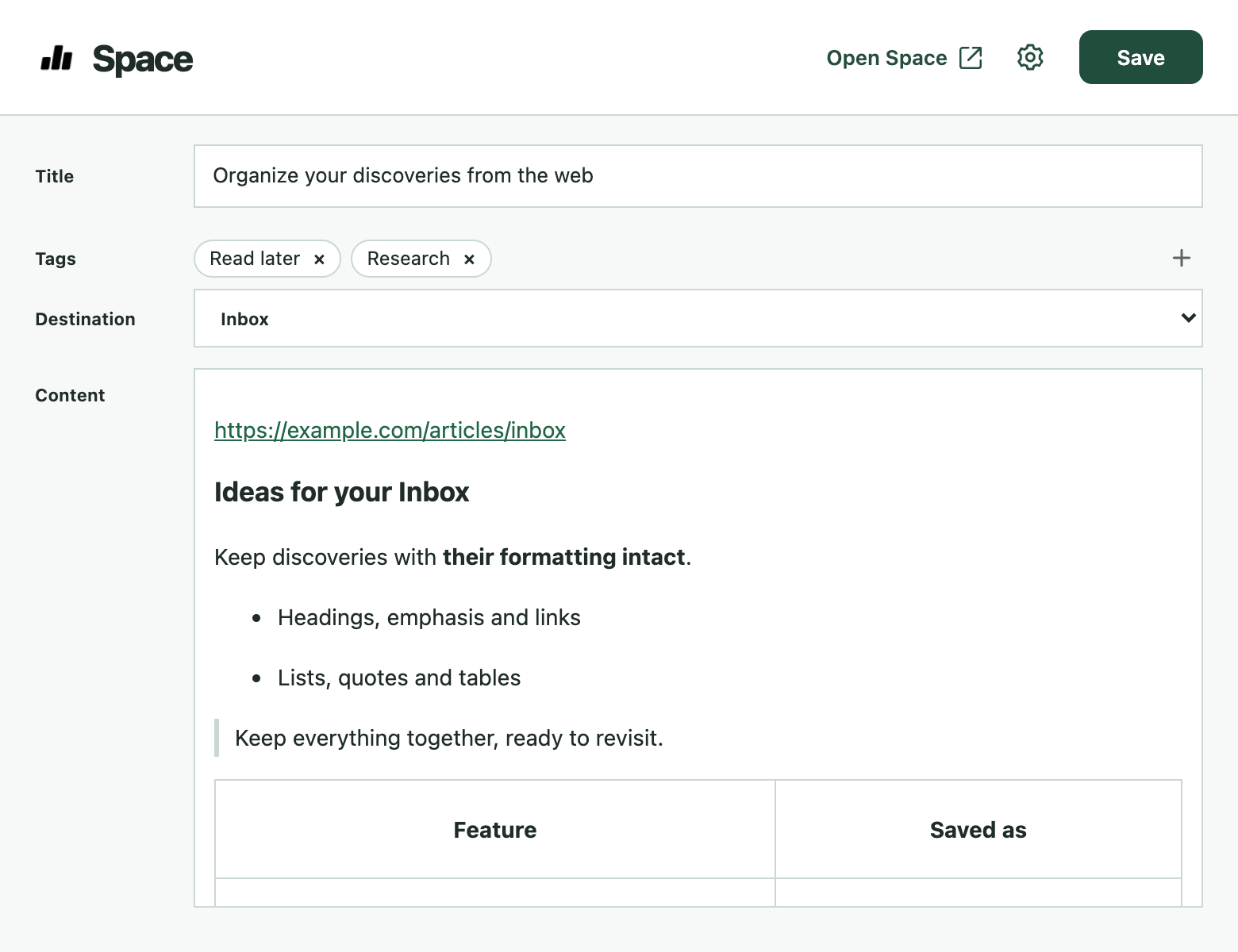
Preview article content before saving. To keep just the part you need, select text on the page before opening the extension.
Choose a useful title and add tags before saving. Keep related discoveries together so you can find them later.
Revisit saved articles in Space. Your clips are available in the web app, with no desktop installation required.
Getting started
Add the extension from the Chrome Web Store, then sign in to Space.
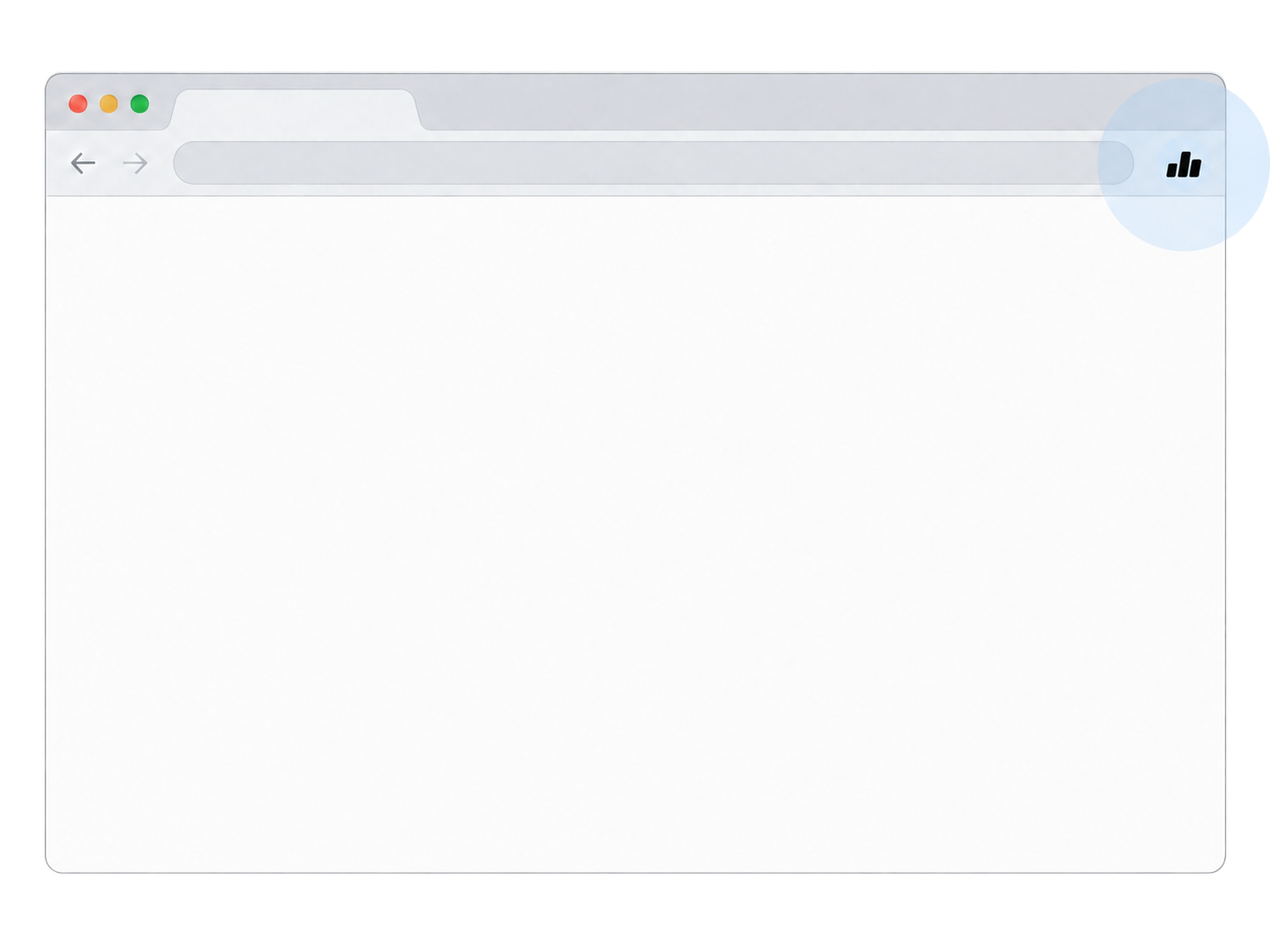
Click the extension icon. To keep just a passage, select the text first.
Preview the content, adjust the title and tags, and save it to your Inbox.